
Introduction
Software companies sell time, expertise, and code, not boxes on a shelf. Yet many still run finance on tools designed for retailers or manufacturers. As a result, project margins are guessed, invoices lag behind work, and recurring revenue is tracked in spreadsheets. A software development ERP fixes that.
The challenge is that “ERP” covers a huge range of products. Some are built for inventory-heavy businesses. Others focus on projects, people, and subscriptions. Choosing the wrong type means paying for features you’ll never use, while missing the ones you need most.
In this guide, Elysian Intelligence Business Solution explains what software firms need from an ERP, the main options available, and what each really costs. You’ll also learn how to roll one out without disrupting delivery.
What Is a Software Development ERP?
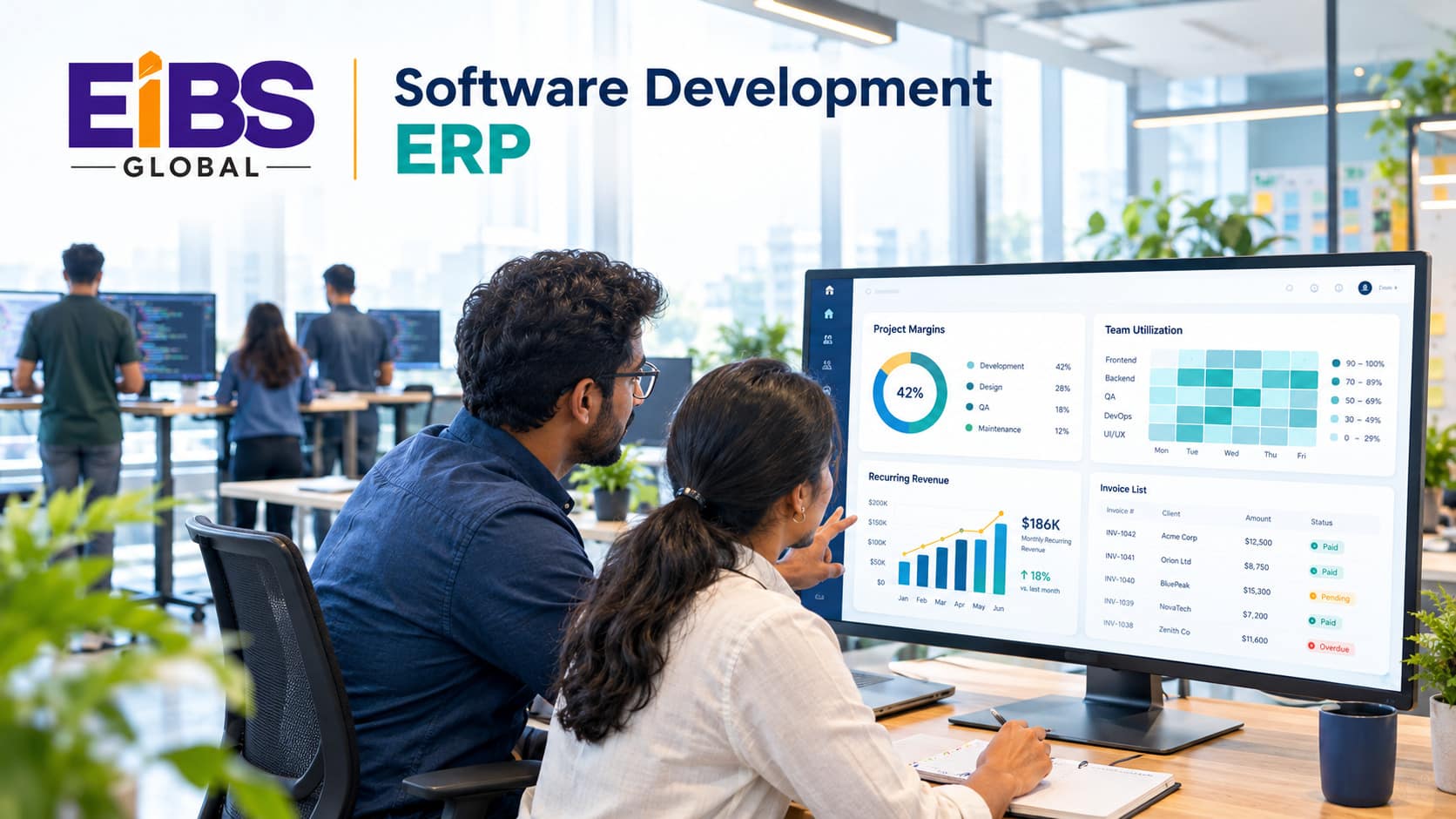
A software development ERP is enterprise resource planning software designed or configured for companies that build software or deliver IT services. Instead of focusing on inventory and production, it centers on projects, people, time, contracts, and recurring revenue, all connected to core finance.
At a glance: Generic ERP vs. software development ERP Generic ERP focuses on stock, purchasing, manufacturing, and distribution.
A software development ERP focuses on project accounting, time and resources, subscription billing, and revenue recognition. Both share core finance: the general ledger, payables, receivables, and reporting.
Who uses it?
Three types of firms benefit most: software development agencies and IT services firms, SaaS companies with recurring revenue, and hybrid firms that sell both licenses and services. Each needs a slightly different mix of features.
Why Do Software Companies Need a Specialized ERP?
Software companies need a specialized ERP because their revenue depends on billable time, project margins, and recurring contracts that generic systems handle poorly. Without the right tools, they lose visibility into profitability and spend hours reconciling data by hand.
Common pain points
- Timesheets live in one tool, invoices in another, and nobody trusts the margin report.
- Fixed-price projects overrun without anyone noticing until month-end.
- Developers sit on the bench while other projects are short-staffed.
- Subscription upgrades, downgrades, and usage charges are billed manually.
- Revenue recognition for multi-year contracts lives in complex spreadsheets.
- Growth into new countries brings multiple entities and currencies.
If three or more of these sound familiar, your current tools are likely holding the business back. Therefore, it’s worth looking at ERP solutions for software companies specifically.
What Are the 8 Must-Have Features of a Software Development ERP?
The eight must-have features of a software development ERP are project accounting, time and expense tracking, resource management, subscription and usage billing, revenue recognition, project-tool integration, multi-entity finance, and SaaS and services analytics. Together, they link delivery work directly to financial results.
1. Project accounting
Track budgets, costs, billing, and margins per project, phase, and client. In addition, compare fixed-price and time-and-materials projects side by side.
2. Time and expense tracking
Let developers log time quickly, ideally from tools they already use. Approved hours should flow straight into billing and payroll.
3. Resource management
See who is available, what skills they have, and how utilized they are. As a result, you can staff projects before they start, not after they slip.
4. Subscription and usage billing
Handle monthly, annual, tiered, and usage-based pricing, including upgrades, downgrades, and renewals, without manual invoices.
5. Revenue recognition
Apply rules such as ASC 606 or IFRS 15 automatically across licenses, services, and support contracts.
6. Project-tool integration
Connect the ERP to Jira, Azure DevOps, or GitHub, plus your CRM and payroll. Consequently, nobody re-types data between systems.
7. Multi-entity and multi-currency finance
Consolidate offices or subsidiaries in different countries, with intercompany billing and local tax.
8. Services and SaaS analytics
Report on utilization, project margin, bookings, MRR, ARR, churn, and customer lifetime value in real time.
Which ERP Solutions for Software Companies Are Available?
ERP solutions for software companies fall into four groups: cloud ERP platforms with services add-ons, PSA-first systems with financial modules, subscription-billing platforms paired with ERP, and custom-built systems. Most firms combine two of these.
| Option | What It Is | Best For | Watch Out For |
|---|---|---|---|
| Cloud ERP + PSA add-on | A general cloud ERP extended with project and resource modules | Growing services firms, 50–1,000 staff | Add-on licensing and integration effort |
| PSA-first system | Project and resource tool with built-in billing and basic finance | Agencies and consultancies under ~150 staff | Finance and multi-entity features may be limited |
| Billing platform + ERP | Dedicated subscription billing connected to an ERP general ledger | SaaS companies with complex pricing | Two systems to keep in sync |
| Custom or extended ERP | Custom ERP software development on a platform or from scratch | Unique delivery or pricing models | Higher upfront cost and ownership |
| platform or from scratch |
In practice, start from your business model. A services firm should test project accounting and resourcing first, while a SaaS firm should test subscription billing and revenue recognition first.
Off-the-Shelf vs. Custom Software Development ERP: Which Is Better?
An off-the-shelf software development ERP is better for most firms because it launches faster and includes proven finance controls. Custom ERP is better when your delivery model, pricing, or reporting is truly unique. A configured platform with a few custom modules is the most common middle path.
| Factor | Off-the-Shelf (Configured) | Custom or Extended |
|---|---|---|
| Time to launch | 3–6 months | 6–12 months |
| Upfront cost | Lower | Higher |
| Ongoing cost | Per-user subscription | Hosting, maintenance, and upgrades |
| Fit to unique pricing or delivery | Good, with configuration | Exact |
| Finance controls and audit trail | Built in and proven | Must be designed and tested |
| Best for | Standard agency, IT services, or SaaS models | Unusual billing, outcome-based contracts, deep product links |
As a rule, buy for finance and build for differentiation. For example, keep the general ledger standard, but consider custom ERP software development for a unique usage-billing engine or a client portal.
How Do You Implement an ERP in a Software Company?
To implement an ERP in a software company, map your quote-to-cash and project-to-profit processes, choose the platform, migrate data, integrate delivery tools, and roll out in phases. Done well, a software development ERP goes live without disrupting client work.
- Map key processes. Document quote-to-cash, time-to-invoice, and project-to-profit flows.
- Define success metrics. For example, invoice within two days of month-end, or utilization visible weekly.
- Choose the platform and add-ons. Shortlist options by business model, then run scripted demos with your data.
- Design integrations. Decide how Jira, CRM, payroll, and billing tools will connect.
- Clean and migrate data. Move clients, contracts, projects, rates, and open invoices.
- Pilot with one team. Run one delivery team or region first for a full billing cycle.
- Roll out and train. Train by role: developers, project managers, finance, and leadership.
Many firms use ERP implementation services for steps 3 to 7. That’s because configuration, integration, and data migration need specialist skills most software teams don’t keep in-house.
How Much Does a Software Development ERP Cost?
A software development ERP typically costs $30 to $200 per user per month in licenses, plus $20,000 to $250,000 for implementation, depending on company size and complexity. Custom modules and integrations add to the total, so compare three-year cost of ownership.
| Company Size | Typical Setup | Implementation (USD) | Licenses (USD per user / month) |
|---|---|---|---|
| 25–75 staff | PSA-first system or light cloud ERP | $20,000–$60,000 | $30–$80 |
| 75–300 staff | Cloud ERP + PSA add-on, 3–5 integrations | $60,000–$150,000 | $80–$150 |
| 300–1,000 staff | Multi-entity ERP, billing platform, custom modules | $150,000–$250,000+ | $120–$200 |
A sample three-year estimate
Suppose a 150-person firm licenses 150 users at $100 per user per month. That’s $180,000 per year, or $540,000 over three years. Add $110,000 for implementation and $60,000 for three years of support. The three-year total is about $710,000, or roughly $1,580 per employee per year.
In addition, weigh that cost against the gains. For instance, raising billable utilization by just two percentage points across 100 billable staff can add hundreds of thousands in yearly revenue.
What Does a Successful Rollout Look Like?
A successful rollout gives leaders real-time project margins, speeds up invoicing, and improves utilization within the first year. The worked example below shows the results for a mid-sized IT services firm.
Worked example: a 150-person software services firm
Consider a software development agency with 150 staff across two countries. Time was logged in one tool, projects in Jira, and invoices in basic accounting software. As a result, invoicing took nine days after month-end, and project margins were known only after projects closed.
The firm chose a cloud ERP with a PSA add-on and a small custom module for its retainer billing model. Over five months, the implementation team:
- Connected Jira and the time-tracking tool so approved hours flowed straight to billing.
- Set up project accounting with live budget-versus-actual tracking.
- Configured two legal entities with intercompany billing and two currencies.
- Built weekly utilization and margin dashboards for delivery leads.
Twelve months later, invoicing time dropped from nine days to two. Moreover, billable utilization rose from 68% to 74%, and three overrunning fixed-price projects were caught and re-scoped early.
Note: This is an illustrative composite example based on typical mid-market outcomes. Replace it with a verified Elysian client case study before publishing.
Common Mistakes When Choosing a Software Development ERP
The most common mistakes when choosing a software development ERP are picking a generic inventory-focused system, ignoring delivery-tool integration, and underestimating revenue-recognition needs. Each one leaves finance and delivery working from different numbers.
Conclusion
The right software development ERP links delivery work directly to financial results. Start from your business model, prioritize the eight must-have features, and choose between configured and custom options carefully. Then integrate your delivery tools and roll out in phases.
If you’d like help selecting, implementing, or extending ERP solutions for software companies, Elysian Intelligence Business Solution can help. Our team offers ERP implementation services, integrations, and custom ERP software development for IT and SaaS firms. Get expert help planning your ERP today.