
Introduction
Off-the-shelf ERP works well for many companies. Yet for others, it forces awkward workarounds, costly licenses, or processes that don’t match how the business actually runs. That’s when ERP software development becomes worth a serious look.
Building or tailoring an ERP is a big project, though. It touches every department, every record, and every report. So, before you commit budget, it helps to understand how the work is done, what it includes, and what drives the cost.
In this guide, Elysian Intelligence Business Solution walks through the full picture. You’ll learn the main build approaches, the features to prioritize, the technology behind modern ERP, and the eight steps every successful project follows.
What Is ERP Software Development?
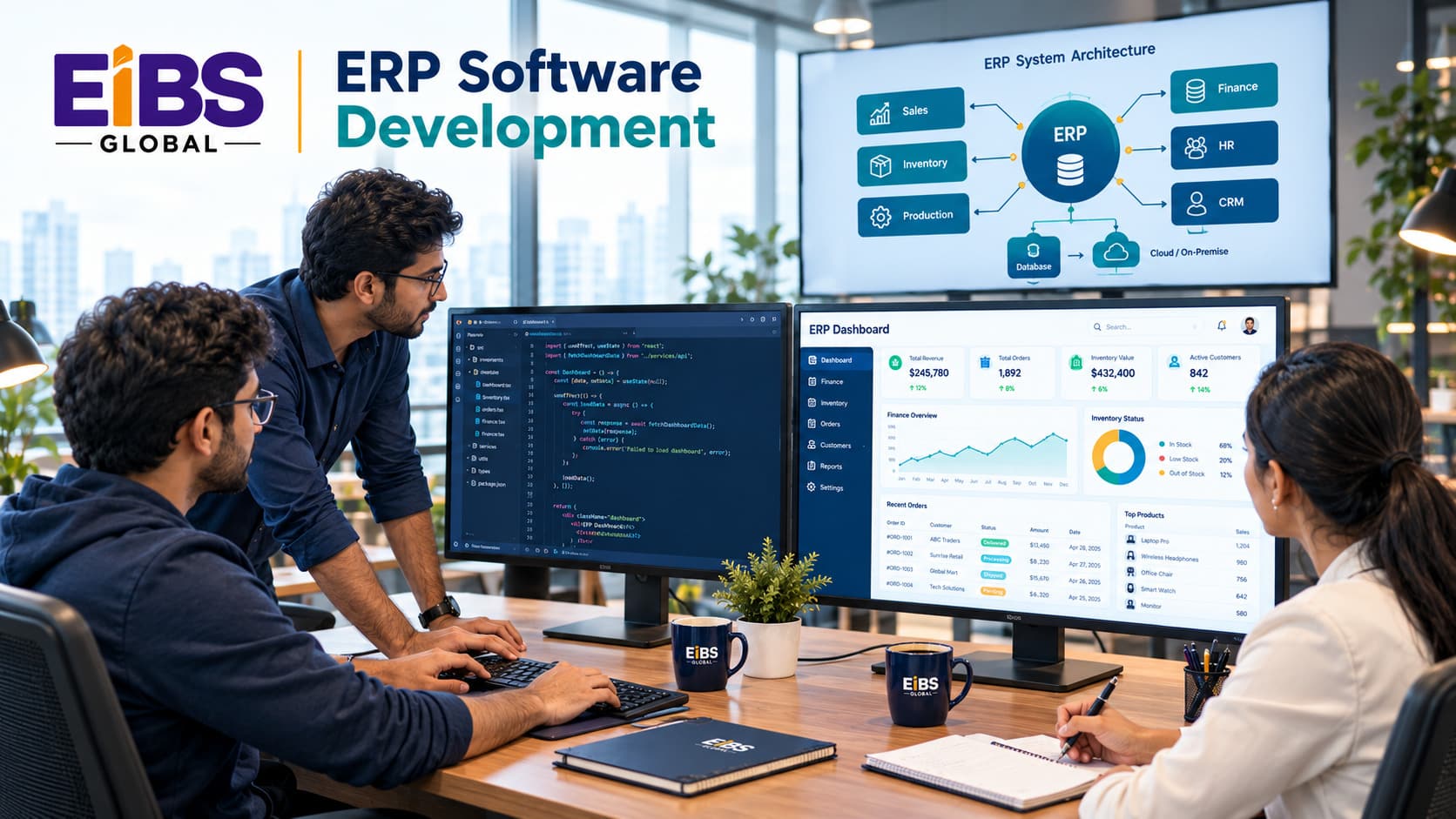
ERP software development is the process of planning, designing, coding, testing, and deploying enterprise resource planning software for a specific business. It can mean building a full system from scratch, or extending an existing platform with custom modules and integrations.
At a glance: Key terms
- Enterprise resource planning software connects core business functions in one system with a shared database.
- Custom ERP software development builds that system, or parts of it, around a company’s own processes.
- ERP implementation services configure and roll out an existing ERP platform, often alongside custom development.
In practice, many projects combine both. For example, a company might implement a standard finance module and develop custom production-planning features on top.
Why Invest in ERP Software Development?
Businesses invest in ERP software development to fit software to their processes, remove license limits, connect all their data, and gain a competitive edge. Custom ERP also gives you full ownership of the code and the roadmap.
Key benefits
-
- Process fit: The software follows your workflow, not the other way around.
- One source of truth: Finance, inventory, and operations share live, consistent data.
- Scalability: New modules, sites, or currencies can be added as you grow.
- Lower long-term license costs: You avoid per-user fees that rise with headcount.
- Competitive advantage: Unique processes, such as custom pricing or production logic, stay unique.
- Ownership and control: You decide when and how the system changes.
However, custom ERP isn’t right for everyone. If your processes are standard, a configured platform is usually faster and cheaper. As a result, the next decision is which approach to take.
What Are the Main Approaches to ERP Software Development?
The four main approaches to ERP software development are building from scratch, customizing a commercial platform, extending an open-source ERP, and using a low-code platform. Each balances fit, speed, cost, and control differently.
| Approach | How It Works | Speed | Fit | Best For |
|---|---|---|---|---|
| Build from scratch | Fully custom code and data model | Slowest | Exact | Unique, complex operations |
| Customize a commercial platform | Extend Dynamics 365, NetSuite, or SAP with custom modules | Medium | High | Mid-sized firms on a major platform |
| Extend open-source ERP | Build on Odoo, ERPNext, or similar | Fast to medium | High | Cost-conscious firms wanting ownership |
| Low-code platform | Assemble apps on tools such as Microsoft Power Platform | Fast | Medium | Departmental tools and quick wins |
In most cases, a hybrid works best: a proven core for finance and procurement, plus custom ERP software development for the processes that set you apart. Therefore, choose the approach module by module, not for the whole system at once.
Which Features Should Custom ERP Software Include?
Custom ERP software should include core modules for finance, inventory, procurement, sales, and reporting, plus role-based security, audit trails, integrations, and mobile access. Advanced features such as AI forecasting can follow once the core is stable.
Core features
- Finance: General ledger, payables, receivables, multi-currency, and tax.
- Inventory and warehouse: Stock levels, locations, transfers, and barcode scanning.
- Procurement: Purchase orders, supplier records, and approval workflows.
- Sales and orders: Quotes, orders, pricing rules, and invoicing.
- Reporting: Real-time dashboards and exportable reports.
- Security: Role-based access, single sign-on, and full audit trails.
Advanced features
- Manufacturing planning, bills of materials, and quality control.
- AI demand forecasting and inventory optimization.
- Customer and supplier self-service portals.
- IoT data from machines or sensors.
To keep scope manageable, rank every feature as must-have, should-have, or later. Then build the must-haves first.
What Technology Stack Is Used for ERP Software Development?
Modern ERP software development typically uses a cloud-hosted, modular architecture with a web front end, an API-driven back end, and a relational database. The exact stack matters less than choosing proven, well-supported tools your team can maintain.
| Layer | Common Options | Why It Matters |
|---|---|---|
| Front end | React, Angular, Vue.js | Fast, responsive screens for daily users |
| Back end | .NET, Java (Spring), Python (Django), Node.js | Business logic, workflows, and APIs |
| Database | PostgreSQL, Microsoft SQL Server, Oracle | Reliable, consistent transactional data |
| Architecture | Modular monolith or microservices | Easier scaling and phased delivery |
| Integration | REST or GraphQL APIs, message queues | Connects CRM, e-commerce, banking, and shop floor |
| Cloud and hosting | Microsoft Azure, AWS, Google Cloud | Scalability, backups, and uptime |
| Mobile | React Native, Flutter | Warehouse and field access |
Security also belongs in the stack from day one. For example, development teams should follow the OWASP Top 10 to guard against common web vulnerabilities.
What Are the 8 Steps of ERP Software Development?
ERP software development follows eight steps: discovery, planning, design, development, integration, data migration, testing, and deployment with support. Working in phases lets users see real modules early and keeps risk under control.
- Discovery and requirements (4–8 weeks). Interview each department, map processes, and rank requirements.
- Planning and roadmap (2–3 weeks). Choose the approach, define phases, and set budget and success metrics.
- Architecture and UX design (3–6 weeks). Design the data model, system architecture, and clickable screen prototypes.
- Development in sprints (3–9 months). Build modules in two-week sprints, with a demo to key users after each one.
- Integration (parallel). Connect the ERP to CRM, e-commerce, banking, payroll, and shop-floor systems through APIs.
- Data migration (parallel). Clean, map, and test-load legacy data several times before go-live.
- Testing (4–8 weeks). Run functional, integration, performance, security, and user-acceptance tests.
- Deployment and support (ongoing). Go live in phases, train users, provide hypercare, and keep improving.
At Elysian Intelligence Business Solution, for instance, the ERP development services team ends every phase with a sign-off and a live demo. Consequently, issues surface while they’re still small and cheap to fix.
Why phased delivery matters
Big-bang launches put every module and user at risk on one day. In contrast, phased rollouts let one department go live, stabilize, and build confidence before the next. Moreover, early modules start delivering value while later ones are still in development.
How Much Does ERP Software Development Cost?
ERP software development typically costs $50,000 to $150,000 for a small system, $150,000 to $500,000 for a mid-sized business, and $500,000 or more for complex enterprise builds. The biggest cost drivers are module count, integrations, users, and compliance requirements.
| Cost Driver | Lower Cost | Higher Cost |
|---|---|---|
| Number of modules | 2–3 core modules | 7+ modules including manufacturing |
| Integrations | 1–2 standard APIs | Many systems, legacy or custom interfaces |
| Users and sites | One site, under 50 users | Multiple sites, countries, and currencies |
| Data migration | Clean, recent data | Years of messy, duplicated records |
| Compliance | Standard financial controls | FDA, ISO, or industry traceability rules |
| Approach | Open-source or platform extension | Fully custom build |
A sample estimate
Here’s a simple way to estimate a mid-sized build. Suppose the project needs about 3,000 hours of design, development, and testing. At a blended rate of $60 per hour, that’s $180,000. Add 20% for project management and data migration ($36,000) and a 15% contingency ($32,400). The total comes to roughly $248,000, before hosting and annual support.
In addition, budget about 15–20% of the build cost per year for maintenance. Industry research also shows why buffers matter: Panorama Consulting Group regularly reports that many ERP projects exceed their original budget or timeline.
What Does a Real ERP Build Look Like?
A successful ERP build delivers working modules within months and measurable gains within the first year. The worked example below shows the eight steps in action for a mid-sized distributor.
Worked example: a 90-person building-supplies distributor
Consider a distributor with 90 staff, three warehouses, and about 9,000 products. It ran accounting in one tool, inventory in another, and pricing in spreadsheets. As a result, stock transfers were slow, and quoting complex orders took up to a day.
The company chose custom ERP software development on an open-source base. Over nine months, the development team:
- Built custom pricing logic for contractor tiers, volume breaks, and project quotes.
- Delivered inventory and warehouse modules with barcode scanning in all three sites.
- Integrated the ERP with the company’s e-commerce store and its bank feeds.
- Migrated 12 years of product, customer, and order records.
Twelve months after go-live, quote time fell from up to a day to under 15 minutes. In addition, stock-transfer errors dropped by about 70%, and the finance team closed the month in 3 days instead of 8. The project cost $265,000, about 7% above the initial estimate.
Common Challenges in ERP Software Development and How to Avoid Them
The most common mistakes when buying ERP software development services are comparing headline prices, leaving out migration and support, and signing vague contracts. Each one leads to budget surprises after work has started.
| Challenge | What Goes Wrong | How to Avoid It |
|---|---|---|
| Scope creep | New requests keep expanding the build | Rank features and use a formal change-request process |
| Poor data quality | Duplicates and gaps break reports | Start data cleansing in discovery; run trial migrations |
| Low user adoption | Staff stick to old spreadsheets | Involve users in demos; train by role; appoint champions |
| Integration failures | Systems don't sync, or sync wrongly | Map every data flow early; test integrations continuously |
| Over-customization | Code becomes hard to maintain | Customize only where it creates real advantage |
| Security gaps | Sensitive data is exposed | Build in role-based access, encryption, and regular testing |
Conclusion
ERP software development succeeds when it starts with your processes, follows a phased plan, and keeps the architecture simple and modular. Choose the right approach for each module, build the must-have features first, and plan early for data migration and integration. Above all, budget for the full lifecycle, not just the first release.
If you’re planning a custom ERP or need to extend the one you have, Elysian Intelligence Business Solution can help. Our team delivers ERP software solutions from discovery through development, ERP implementation services, and long-term support. Request a free estimate to see what your ERP could look like.