Introduction
Your ERP may run the business, but much of the business runs outside the office. Drivers deliver orders, technicians fix equipment, pickers fill shelves, and reps visit customers. Yet many of them still rely on paper, phone calls, or a laptop in the van to reach ERP data.
ERP mobile application development changes that. It gives frontline teams fast, simple apps that work on the devices they already carry, even when the signal drops. However, mobile brings its own challenges: hardware, battery life, offline sync, security, and app distribution.
In this guide, Elysian Intelligence Business Solution focuses only on the mobile side. You’ll learn which teams benefit most, how to choose a platform and devices, how to handle offline use and security, and what mobile ERP apps cost.
What Is ERP Mobile Application Development?
ERP mobile application development is the design, building, and support of mobile apps that connect to an ERP system, so frontline users can view and update ERP data from phones, tablets, or rugged handhelds. These apps focus on specific tasks, such as deliveries, inspections, or stock counts.
At a glance: Mobile ERP terms
- Mobile ERP software solutions are apps that bring ERP functions to mobile devices.
- Rugged devices are handhelds built for drops, dust, and water, often with built-in scanners.
- MDM (mobile device management) is software that installs, updates, and secures apps on company devices.
In short, the ERP remains the system of record, while the mobile app becomes the frontline team’s daily tool.
Which Teams Benefit Most From Mobile ERP Apps?
Field service, warehouse, delivery, sales, and approval-heavy management roles benefit most from mobile ERP apps, because they work away from desks and need fast access to ERP data at the point of work.
| Team | Typical Mobile Tasks | Key Device Features |
|---|---|---|
| Field service | Work orders, parts used, photos, signatures | Camera, GPS, offline mode |
| Warehouse | Picking, receiving, stock counts, transfers | Barcode or RFID scanner, rugged build |
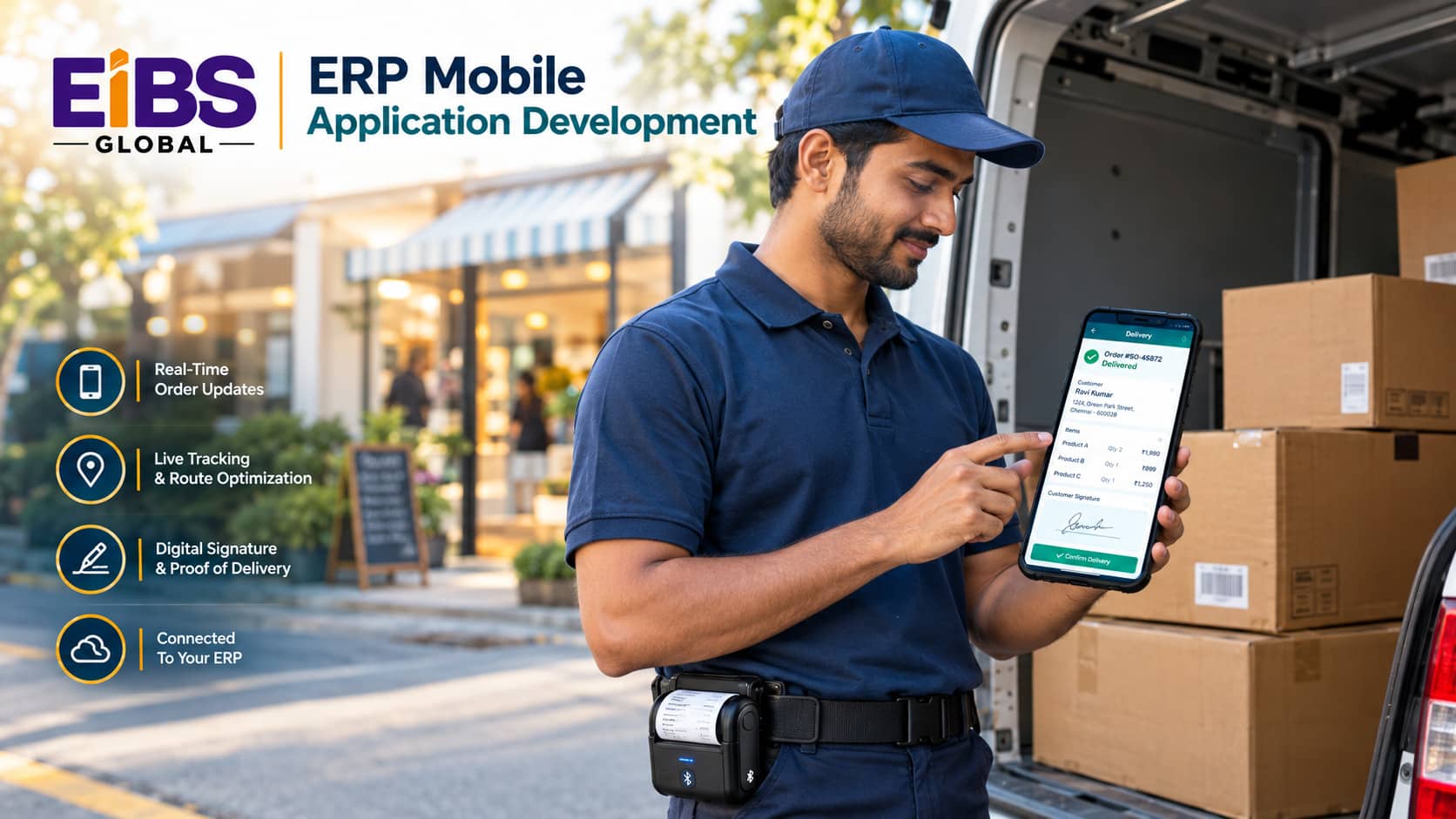
| Delivery and logistics | Routes, proof of delivery, payments | GPS, signature capture, Bluetooth printer |
| Field sales | Catalog, pricing, stock checks, orders | Tablet display, offline catalog |
| Managers | Approvals, alerts, KPIs | Push notifications, biometrics |
| Inspectors and quality | Checklists, defects, compliance records | Camera, forms, time stamps |
As a rule, start with the team where paper or re-typing costs the most time. Then expand to other roles once the first app proves its value.
Native, Cross-Platform, or PWA: Which Is Best for ERP Mobile Apps?
Cross-platform frameworks are best for most ERP mobile apps, because one codebase serves iOS and Android with strong offline and device support. Native apps suit heavy scanning or deep hardware integration, while progressive web apps (PWAs) suit light, browser-based tasks.
| Factor | Native (Swift, Kotlin) | Cross-Platform (Flutter, React Native) | Progressive Web App |
|---|---|---|---|
| Codebases | One per platform | One shared | One web codebase |
| Offline capability | Strongest | Strong | Limited to moderate |
| Hardware access (scanners, RFID) | Full | Good, via plug-ins | Limited |
| Performance | Highest | High | Moderate |
| Distribution | App stores or MDM | App stores or MDM | Web link, no store needed |
| Typical cost | Highest | Medium | Lowest |
| Best for | Rugged scanning, complex hardware | Most field, sales, and delivery apps | Approvals, dashboards, light forms |
In practice, many companies use cross-platform for frontline apps and a PWA for manager dashboards. Therefore, choose per app, not per company.
How Do Devices and Offline Use Shape ERP Mobile Apps?
Devices and connectivity shape almost every design decision in a mobile ERP app. Choose hardware early, design for gloves, sunlight, and drops, and build offline-first so work continues without a signal.
Choosing devices
- Rugged handhelds: Best for warehouses and heavy scanning; often Android-based with built-in scanners.
- Consumer phones in rugged cases: Lower cost for field and delivery teams with light scanning.
- Tablets: Ideal for sales catalogs, inspections, and service reports.
- BYOD (bring your own device): Possible for managers, but requires strict app-level security.
- Accessories: Bluetooth printers, card readers, and ring scanners extend what the app can do.
Designing for offline use
Offline-first means the app stores the data it needs on the device, lets users keep working, and syncs with the ERP once a connection returns. To do this well, download only the data each user needs, queue changes in order, and set clear rules for conflicts. In addition, show users when data was last synced, so they trust what they see.
How Do You Secure ERP Mobile Apps?
Secure ERP mobile apps with device management, strong sign-in, encrypted data on the device and in transit, least-privilege API access, and the ability to wipe data remotely. Mobile devices are easy to lose, so security must assume a device will go missing.
- Mobile device management: Control installs, updates, and settings on company devices.
- Strong authentication: Single sign-on plus biometrics or PIN for quick, safe access.
- Encryption: Protect stored data and all traffic to the ERP.
- Least privilege: Give each app and user only the ERP permissions they need.
- Remote wipe: Erase company data if a device is lost or an employee leaves.
- Security testing: Follow the OWASP Mobile Application Security Verification Standard and guidance such as NIST SP 800-124 for managing mobile devices.
Together, these controls protect sensitive ERP data, such as prices, customer details, and financial records, without slowing users down.
What Are the 7 Essential Tips for ERP Mobile Application Development?
The seven essential tips for ERP mobile application development are: start with one role, choose devices first, design for the real environment, build offline-first, keep ERP logic on the server, plan distribution and updates, and measure adoption from day one.
- Start with one role. Build for one team and one job, such as delivery drivers recording proof of delivery.
- Choose devices first. Hardware decides screen size, scanning method, and battery needs.
- Design for the real environment. Test with gloves, in sunlight, in cold stores, and on the move.
- Build offline-first. Assume the signal will drop, and make sync visible and reliable.
- Keep ERP logic on the server. Let the ERP or a service layer enforce pricing, credit, and stock rules, so the app stays simple and consistent.
- Plan distribution and updates. Use MDM or an enterprise app store for internal apps, and schedule updates around shifts.
- Measure adoption from day one. Track active users, task times, sync errors, and battery complaints.
In addition, involve two or three frontline champions throughout the project. Their feedback catches problems that office testing never will.
How Much Does ERP Mobile Application Development Cost?
ERP mobile application development typically costs $40,000 to $90,000 for a simple single-role app, $90,000 to $160,000 for an offline-first app with hardware integration, and $160,000 to $250,000 or more for complex, multi-role apps. Devices, MDM licenses, and support are extra.
| App Type | Typical Scope | Estimated Cost (USD) | Typical Timeline |
|---|---|---|---|
| PWA dashboard or approvals | 1 role, online-only, light forms | $25,000–$50,000 | 1–3 months |
| Simple single-role app | 1 role, basic offline, camera | $40,000–$90,000 | 2–4 months |
| Offline-first with hardware | Scanning or printing, full offline sync | $90,000–$160,000 | 3–6 months |
| Multi-role mobile platform | Several roles, complex sync, payments | $160,000–$250,000+ | 5–9 months |
| Ongoing support | OS updates, fixes, small features | $1,500–$8,000 per month | Ongoing |
Also budget for hardware. Rugged handhelds often cost several times more than consumer phones, and MDM software is usually priced per device per month.
What Does a Successful Mobile ERP Rollout Look Like?
A successful mobile ERP rollout replaces paper at the point of work, syncs reliably with the ERP, and shows clear results within a few months. The worked example below shows a delivery app for a beverage distributor.
Worked example: a 210-person beverage distributor
Consider a beverage distributor with 210 staff and 45 delivery drivers. Drivers carried printed delivery notes, collected paper signatures, and handed them in at the end of each day. As a result, invoices went out one to three days late, and about 5% of deliveries had disputes over quantities or returns.
The company invested in ERP mobile application development for its drivers. Over four months, the development team:
- Built a cross-platform app on rugged phones with Bluetooth receipt printers.
- Downloaded each driver’s route and orders at the start of the shift for offline use.
- Captured signatures, photos, returns, and adjusted quantities at each stop.
- Synced completed deliveries to the ERP, which issued invoices automatically.
Three months after rollout, invoices went out the same day as delivery. In addition, quantity disputes fell from about 5% to under 1%, and drivers saved roughly 20 minutes per shift on paperwork. The app cost $128,000, plus hardware.
Common Mistakes in ERP Mobile Application Development
The most common mistakes in ERP mobile application development are shrinking desktop ERP screens onto phones, choosing devices too late, treating offline as an afterthought, and skipping device security. Each one leads to low adoption or data risk.
- Shrinking desktop screens. Mobile users need one task per screen, not every field.
- Choosing devices late. Hardware changes design, testing, and cost.
- Online-only design. Basements, rural routes, and cold stores often lack signal.
- No MDM. Unmanaged devices are hard to update and impossible to wipe.
- Ignoring battery life. Heavy GPS or constant sync can drain devices before shift end.
- Testing only in the office. Real conditions reveal real problems.
Conclusion
ERP mobile application development puts ERP data where work actually happens. Start with one role, pick the right platform and devices, design offline-first, and secure every device that touches the ERP. Then measure adoption and improve in short cycles.
If your frontline teams are still working from paper, Elysian Intelligence Business Solution can help. Our ERP mobile app development services cover device selection, design, custom ERP mobile application development, ERP mobile integration services, and support. Get a free mobile review today.