Introduction
Your ERP may hold perfect data, yet your people still struggle to use it. Technicians fill in paper forms, warehouse staff wait at a desktop, and customers email for order updates. The problem usually isn’t the ERP itself. Instead, it’s the lack of simple apps on top of it. That’s where an ERP application development company comes in.
These partners build focused apps that put ERP data and actions in the right hands, on the right device, at the right moment. However, not every app developer understands ERP rules, and not every ERP consultant can design a great app.
In this guide, Elysian Intelligence Business Solution explains what these companies do, which apps deliver the most value, what they cost, and how to choose the right partner.
What Does an ERP Application Development Company Do?
An ERP application development company designs, builds, integrates, and maintains applications that extend an existing ERP system. These include mobile apps, web portals, workflow tools, dashboards, and custom modules that make ERP data easier to use for specific roles.
At a glance: ERP system vs. ERP application An ERP system is the core platform that runs finance, inventory, and operations.
An ERP application is a focused app built on top of it, for one role or task, such as a technician’s mobile app or a customer order portal. ERP applications read and write ERP data through secure APIs, so the ERP stays the system of record.
Core services
Most firms offer these ERP application development services:
- Discovery and UX research: Observing real users and mapping their tasks.
- UI and UX design: Simple, role-based screens and clickable prototypes.
- Custom ERP application development: Building mobile, web, or desktop apps.
- Integration: Connecting apps to the ERP and other systems through APIs.
- Testing and security: Functional, performance, and security testing.
- Support and enhancements: Updates, new features, and app-store releases.
What Types of ERP Applications Can Be Built?
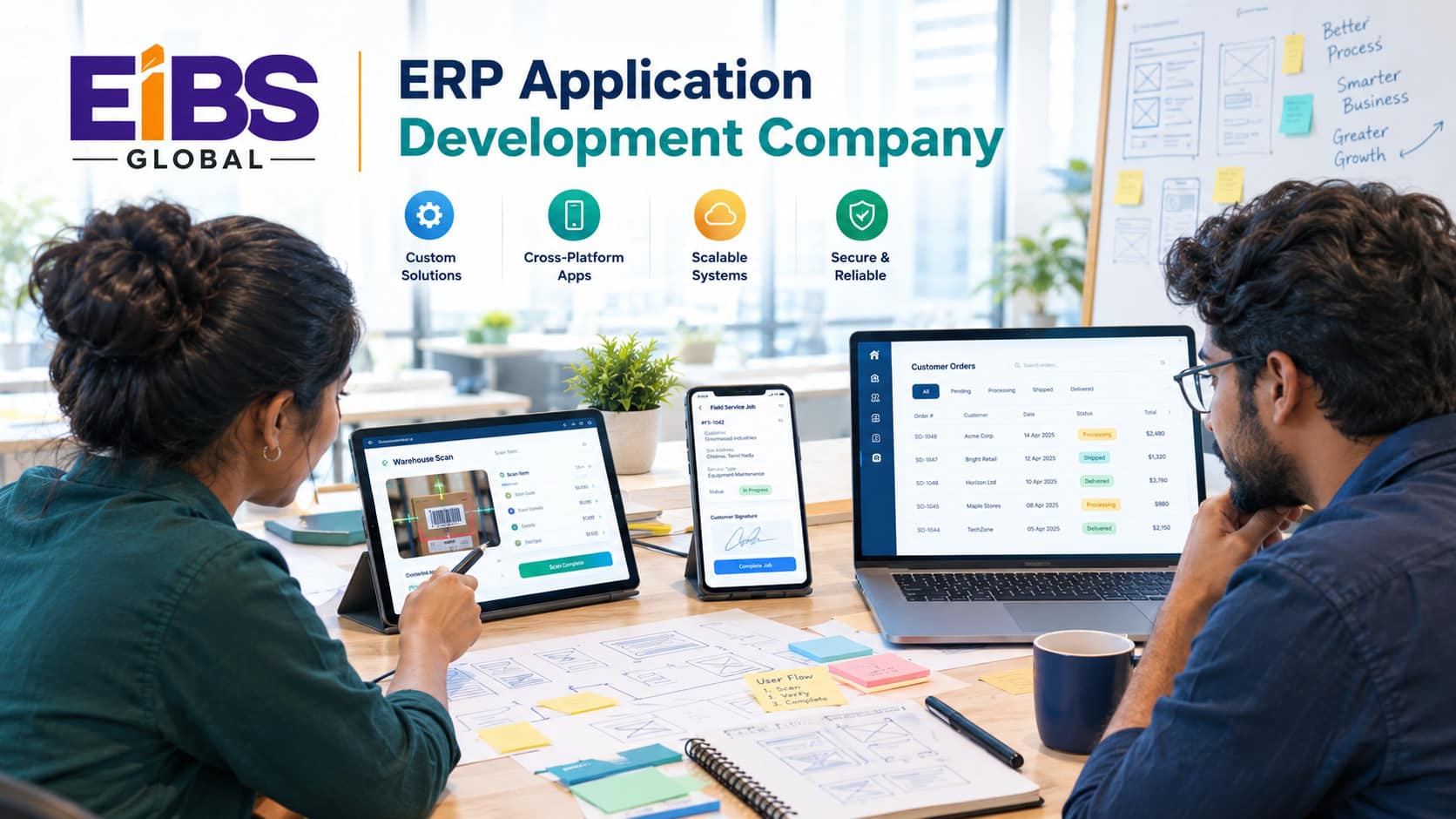
The most common ERP applications are mobile field-service apps, warehouse scanning apps, customer portals, supplier portals, approval workflow apps, analytics dashboards, and custom ERP modules. Each one targets a specific group of users and a specific job.
| App Type | Main Users | What It Does | Typical ERP Data |
|---|---|---|---|
| Field service app | Technicians, engineers | Work orders, parts, signatures, photos | Jobs, assets, inventory, invoices |
| Warehouse scanning app | Pickers, receivers | Barcode picking, receiving, stock counts | Items, bins, orders, transfers |
| Sales rep app | Field sales | Catalog, pricing, quotes, orders | Customers, prices, stock |
| Customer portal | Customers | Order tracking, invoices, reorders, tickets | Orders, shipments, statements |
| Supplier portal | Suppliers | POs, delivery confirmations, invoices | Purchase orders, receipts, payables |
| Approval workflow app | Managers | Approve POs, expenses, timesheets | Requests, budgets, approvals |
| Analytics dashboard | Leadership | Real-time KPIs and alerts | Finance, sales, operations |
In practice, start with the app that removes the most manual work or delay. Then expand to other roles once the first one proves its value.
When Should You Hire an ERP Application Development Company?
You should hire an ERP application development company when staff rely on paper or spreadsheets around the ERP, when external users need self-service access, or when the ERP’s standard screens are too complex for frontline roles.
Six signs it’s time
- Field or warehouse teams re-type paper forms into the ERP.
- Customers and suppliers call or email for information the ERP already holds.
- Approvals wait days because managers can’t act on mobile.
- The ERP vendor’s mobile app is too limited for your process.
- Staff need offline access in sites with poor connectivity.
- Leaders lack a simple, real-time view of key metrics.
In these cases, a focused app usually delivers results faster and more cheaply than replacing the ERP.
Which Features Make ERP Applications Successful?
Successful ERP applications are simple, role-focused, fast, secure, and reliably connected to the ERP. They also work offline where needed and fit naturally into each user’s daily routine.
Must-have qualities
- Role-based simplicity: Show only the screens and fields each user needs.
- Real-time or near-real-time sync: Keep app and ERP data consistent.
- Offline mode: Let users keep working without a signal, then sync later.
- Strong security: Single sign-on, role permissions, and encrypted data.
- Device features: Barcode scanning, camera, GPS, and e-signatures where useful.
- Accessibility: Clear contrast, large touch targets, and support for WCAG
Above all, test early designs with real users. A screen that looks fine in a meeting room can fail in a noisy warehouse or a client’s basement.
Which Technologies Do ERP App Developers Use?
ERP app developers typically use cross-platform mobile frameworks, modern web frameworks, low-code platforms, and API or middleware layers to connect to the ERP. The best choice depends on users, devices, offline needs, and your ERP platform.
| Layer | Common Options | Best For |
|---|---|---|
| Mobile | Flutter, React Native, native iOS/Android | Field, sales, and warehouse apps |
| Web and portals | React, Angular, Vue.js | Customer and supplier portals, dashboards |
| Low-code | Microsoft Power Apps, OutSystems, Mendix | Approval and departmental apps |
| Integration | REST/OData APIs, middleware, event queues | Connecting apps to the ERP safely |
| Back end | .NET, Java, Node.js | Business logic and sync services |
| Security | OAuth 2.0, single sign-on, MDM | Access control and device management |
For most mobile ERP apps, a cross-platform framework offers the best balance of speed and cost. However, native development still makes sense for heavy scanning or advanced device features.
How Do You Choose an ERP Application Development Company?
To choose an ERP application development company, check its experience with your ERP platform, review real app case studies, test its UX and integration skills, and confirm its security and support model. These 7 tips help you compare partners on evidence.
- Match platform experience. Ask for apps built on your ERP, such as Dynamics 365, SAP, NetSuite, Odoo, or a custom system.
- Review live apps, not slides. Request demos or app-store links for apps similar to yours.
- Test UX depth. Ask how they research users and validate designs before coding.
- Probe integration skills. Ask how they handle sync conflicts, offline data, and ERP API limits.
- Check security practices. Look for secure-by-design methods, such as the OWASP Mobile Application Security
- Confirm support and releases. Clarify who handles bug fixes, OS updates, and app-store submissions.
- Start with a pilot. Build a minimum viable app for one team before rolling out widely.
By following these tips, you’ll compare each ERP application development company on real capability, not presentation polish. As a result, you reduce the risk of an app that looks good but isn’t used.
At Elysian Intelligence Business Solution, for example, every ERP app starts with on-site user research and a clickable prototype tested by real staff. Consequently, design problems are fixed before any code is written.
Questions to ask every shortlisted firm
- Which ERP apps like ours have you built, and how many people use them today?
- How do you handle offline use and sync conflicts?
- Who owns the source code and app-store accounts?
- What does support cost after launch?
How Much Does ERP Application Development Cost?
ERP application development typically costs $25,000 to $80,000 for a simple app, $80,000 to $150,000 for a mid-complexity app, and $150,000 to $250,000 or more for complex, multi-role apps. Any ERP application development company should break the estimate down by design, build, integration, and testing.
| Company Size | Typical Setup | Implementation (USD) | Licenses (USD per user / month) |
|---|---|---|---|
| 25–75 staff | PSA-first system or light cloud ERP | $20,000–$60,000 | $30–$80 |
| 75–300 staff | Cloud ERP + PSA add-on, 3–5 integrations | $60,000–$150,000 | $80–$150 |
| 300–1,000 staff | Multi-entity ERP, billing platform, custom modules | $150,000–$250,000+ | $120–$200 |
In addition, budget about 15–20% of the build cost per year for maintenance, OS updates, and small enhancements. Device management and app-store fees are extra.
What Does a Successful ERP App Project Look Like?
A successful ERP app project solves one clear problem, launches with a pilot team, and shows measurable gains within months. The worked example below shows a field service app for an equipment rental business.
Worked example: a 400-person equipment rental company
Consider an equipment rental company with 400 staff, 12 depots, and 85 field technicians. Technicians used paper job sheets, and office staff re-typed them into the ERP. As a result, invoices for repairs and deliveries were often delayed by a week.
The company hired an ERP application development company to build a cross-platform mobile app connected to its existing ERP. Over five months, the partner:
- Ran ride-alongs with technicians to map real tasks and pain points.
- Built offline job sheets with photos, parts used, and customer e-signatures.
- Synced jobs, assets, and parts inventory with the ERP through its APIs.
- Piloted the app at two depots before rolling it out to all 12.
Nine months after launch, invoice lag dropped from about seven days to same-day. In addition, data-entry errors fell by around 85%, and technicians completed roughly one extra job per week each. The project cost $185,000.
Note: This is an illustrative composite example based on typical mid-market outcomes. Replace it with a verified Elysian client case study before publishing.
Common Mistakes When Hiring an ERP Application Development Company
The most common mistakes when hiring an ERP application development company are skipping user research, ignoring offline and sync design, and choosing a team without ERP experience. Each one leads to apps that frustrate users or corrupt data.
Conclusion
The right ERP application development company turns your ERP into tools people actually enjoy using. Start with one high-impact app, choose a partner with both ERP and UX expertise, and design for offline use, security, and long-term support from day one.
If you’re ready to put your ERP in the hands of your field teams, warehouses, customers, or suppliers, Elysian Intelligence Business Solution can help. Our ERP application development services cover discovery, design, custom ERP application development, integration, and support. Talk to us about your first app.