
Introduction
In many companies, sales lives in one world and operations in another. Reps close deals in the CRM, then someone re-types them into the ERP. Finance chases missing details, and customers wait for answers nobody can find quickly. As a result, every handover adds delay and error.
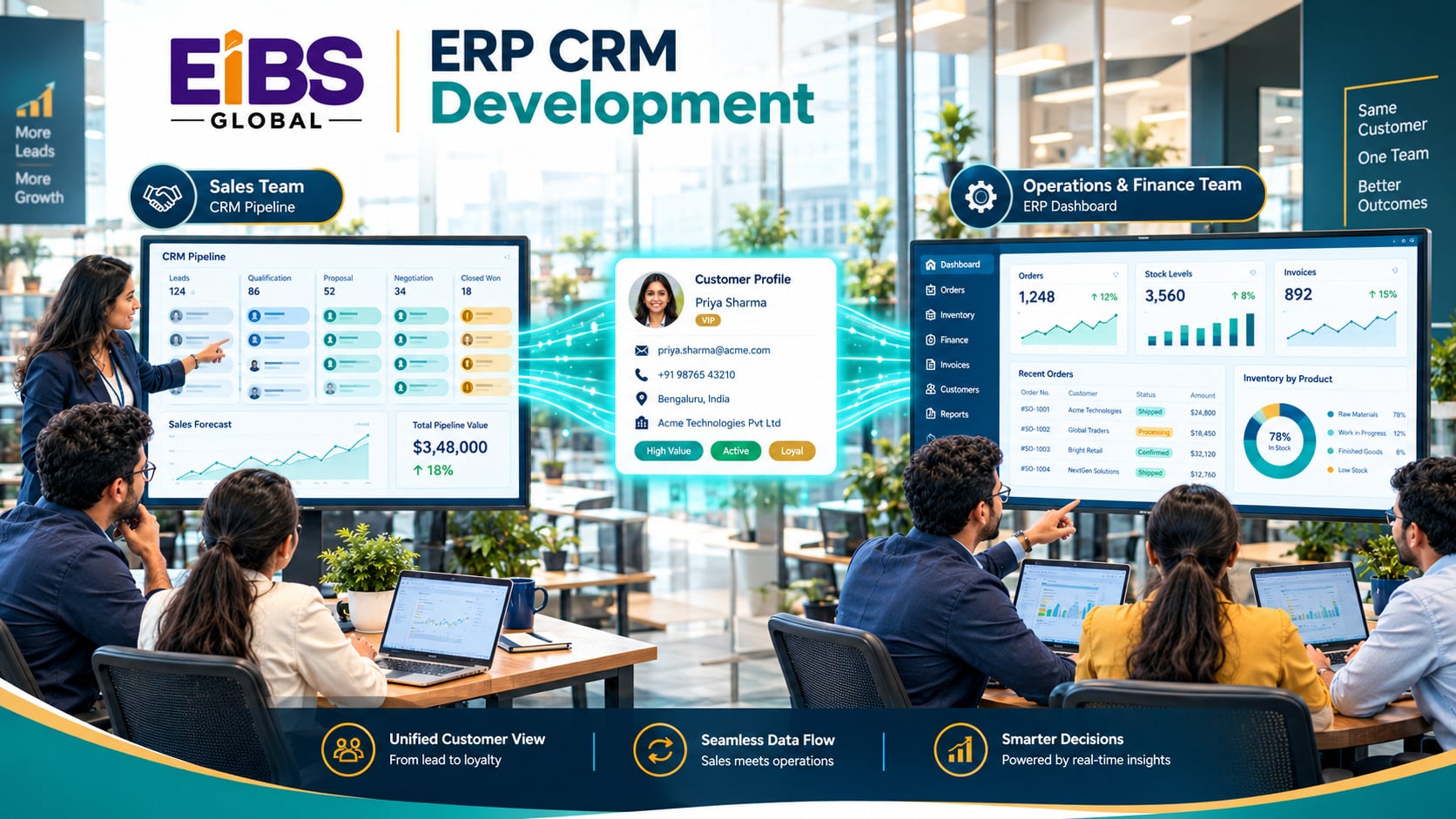
ERP CRM development fixes that split. It connects, or builds together, the systems that manage customers and the systems that manage orders, stock, and money. Done well, a deal flows from first contact to final payment without anyone copying data by hand.
In this guide, Elysian Intelligence Business Solution explains how ERP and CRM differ, six ways to bring them together, how to decide which system owns which data, and what it costs.
What Is ERP CRM Development?
ERP CRM development is the process of building, customizing, and integrating ERP and CRM systems so they work as one connected platform. It covers architecture choices, data models, integrations, custom features, and the processes that link sales to fulfillment and finance.
At a glance: Key terms
- CRM (customer relationship management): Manages leads, contacts, deals, and service.
- ERP (enterprise resource planning): Manages orders, inventory, purchasing, production, and finance.
- Quote-to-cash: The end-to-end process from a customer quote to collected payment, which spans both systems.
In practice, ERP and CRM software development rarely means building both from scratch. More often, it means connecting existing platforms and adding custom pieces where the standard tools fall short.
What Is the Difference Between ERP and CRM?
CRM focuses on winning and keeping customers, while ERP focuses on delivering to them and managing the business behind it. CRM is front office; ERP is back office. Each holds data the other needs.
| Aspect | CRM | ERP |
|---|---|---|
| Main purpose | Win and retain customers | Fulfill orders and run operations |
| Main users | Sales, marketing, service | Finance, operations, purchasing, warehouse |
| Core records | Leads, contacts, deals, cases | Orders, items, stock, invoices, ledger |
| Key question it answers | Who will buy, and when? | Can we deliver, and at what margin? |
| Typical platforms | Salesforce, HubSpot, Dynamics 365 Sales | NetSuite, SAP, Dynamics 365 Business Central, Odoo |
Because each system answers a different question, neither can replace the other. Therefore, the goal is to make them work together.
Why Connect ERP and CRM?
Connecting ERP and CRM removes double entry, speeds up quote-to-cash, gives sales real-time stock and credit data, and gives finance accurate forecasts. Most importantly, it creates one trusted view of every customer.
- No more re-typing: Won deals become ERP orders automatically.
- Faster quotes: Reps see live prices, stock, and lead times.
- Fewer billing errors: Order details flow straight to invoices.
- Better forecasting: Finance sees the pipeline alongside actual revenue.
- Smarter service: Support teams see orders, shipments, and invoices in one place.
- Customer 360: Everyone works from the same customer record.
In short, connected systems let each team do its job without chasing another team for information.
What Are the 6 Approaches to ERP CRM Development?
The six approaches to ERP CRM development are an all-in-one suite, a same-vendor pair, best-of-breed systems with integration, a custom CRM on an existing ERP, custom ERP modules on a CRM platform, and a fully custom unified platform. Each balances fit, speed, cost, and flexibility differently.
| # | Approach | How It Works | Best For | Trade-off |
|---|---|---|---|---|
| 1 | All-in-one suite | One product covers ERP and CRM | Smaller firms wanting simplicity | Each side may be less deep |
| 2 | Same-vendor pair | ERP and CRM from one vendor, pre-connected | Firms committed to one ecosystem | Vendor lock-in |
| 3 | Best-of-breed + integration | Leading ERP and CRM linked through ERP CRM integration services | Firms needing strong tools on both sides | Integration must be maintained |
| 4 | Custom CRM on existing ERP | Build a tailored CRM layer that uses ERP data | Unique sales processes, solid ERP | Custom code to own |
| 5 | ERP modules on a CRM platform | Extend a CRM platform with orders, stock, billing | Sales-led, lighter operations | Limited for complex finance |
| 6 | Fully custom unified platform | Custom ERP CRM solutions built as one system | Highly unique end-to-end processes | Highest cost and responsibility |
In practice, option 3 is the most common for mid-sized B2B firms. However, options 4 and 6 make sense when the sales-to-delivery process itself is a competitive advantage.
Which Data Should Each System Own?
Each data type should have exactly one owning system, which creates and changes it, while the other system reads or syncs a copy. Clear ownership is the single most important design decision, because it prevents conflicting edits and duplicate records.
| Data | Owner | Synced To | Why |
|---|---|---|---|
| Leads and opportunities | CRM | — | Sales activity starts and lives in CRM |
| Customer accounts | ERP (after first order) | CRM | Billing, credit, and tax details must be accurate |
| Contacts | CRM | ERP | Sales maintains people and roles |
| Products and prices | ERP | CRM | Costs and margins are controlled in ERP |
| Stock availability | ERP | CRM (read-only) | Reps need live stock, not editable copies |
| Quotes | CRM | ERP (on acceptance) | Sales builds quotes; ERP fulfills them |
| Orders, shipments, invoices | ERP | CRM (read-only) | Fulfillment and finance records |
| Support cases | CRM | — | Service history stays with the customer view |
This is a common pattern, not a rule. For example, some firms let CRM own customer accounts until the first invoice. Whatever you choose, write it down and enforce it in the integration.
How Does the ERP CRM Development Process Work?
The ERP CRM development process usually runs in seven steps: map quote-to-cash, choose the approach, define data ownership, design integrations, build and customize, migrate and test, and launch in phases. Each step involves both sales and operations teams.
- Map quote-to-cash. Follow a real deal from first contact to payment and note every handover.
- Choose the approach. Pick one of the six options based on current tools, budget, and goals.
- Define data ownership. Agree which system owns each record and how copies sync.
- Design integrations. Plan APIs, middleware, event triggers, error handling, and monitoring.
- Build and customize. Configure both systems, then add custom features, such as a configure-price-quote (CPQ) tool or order-status views.
- Migrate and test. Clean and match customer records across both systems, then test full deal-to-invoice scenarios.
- Launch in phases. Start with one region or product line, then expand.
At Elysian Intelligence Business Solution, for example, step 1 is always run as a joint workshop with sales, finance, and operations in the same room. Consequently, gaps between teams surface before any code is written.
Why matching customer records matters
Most companies have duplicate or mismatched customers across CRM and ERP. Therefore, plan time to clean and match them before launch, or the integration will create even more duplicates. Integration remains a common barrier for many organizations, as surveys such as the MuleSoft Connectivity Benchmark Report regularly highlight.
How Much Does ERP CRM Development Cost?
ERP CRM development typically costs $40,000 to $120,000 to connect two existing platforms, $120,000 to $400,000 for a same-vendor or best-of-breed rollout with customization, and $400,000 or more for a fully custom unified platform. Licenses and ongoing support are extra.
| Scope | Typical Contents | Estimated Cost (USD) | Typical Timeline |
|---|---|---|---|
| Connect existing ERP and CRM | Customer, product, order, and invoice sync; monitoring | $40,000–$120,000 | 2–4 months |
| Rollout with customization | New CRM or ERP, CPQ, custom views, integrations, migration | $120,000–$400,000 | 4–10 months |
| Fully custom unified platform | Single custom system for sales and operations | $400,000+ | 9–18 months |
| Ongoing support | Integration monitoring, fixes, enhancements | $2,000–$12,000 per month | Ongoing |
In addition, budget for data cleanup. It’s often the most underestimated cost in ERP CRM implementation services.
What Does a Connected Quote-to-Cash System Look Like?
A connected quote-to-cash system lets a deal move from CRM to ERP to invoice with no manual steps, while every team sees the same customer data. The worked example below shows the result for a mid-sized industrial supplier.
Worked example: a 180-person industrial equipment supplier
Consider an industrial equipment supplier with 180 staff, 30 sales reps, and two warehouses. Reps quoted from spreadsheets because the CRM had no live prices or stock. After a deal closed, the sales team emailed order details to operations for re-entry into the ERP. As a result, about 7% of orders had errors, and quotes took up to two days.
The company chose a best-of-breed approach, keeping its CRM and ERP and adding ERP CRM integration services plus a custom quoting tool. Over five months, the partner:
- Matched and merged about 4,200 duplicate customer records across both systems.
- Synced products, prices, and live stock from ERP to CRM.
- Built a quoting tool in the CRM that pulled ERP pricing rules and lead times.
- Turned accepted quotes into ERP sales orders automatically, with invoices and shipment status flowing back to CRM.
Six months after launch, order errors fell from about 7% to under 1%. In addition, quote turnaround dropped from up to two days to about 30 minutes, and days sales outstanding improved by roughly eight days. The project cost $185,000.
Common Mistakes in ERP CRM Development
The most common mistakes in ERP CRM development are skipping data ownership rules, ignoring duplicate customers, syncing too much data, and treating the project as IT-only. Each one undermines trust in the connected system.
- No data ownership rules. Two systems editing the same field guarantees conflicts.
- Ignoring duplicates. Integration multiplies bad data if it isn’t cleaned first.
- Syncing everything. Sync only what each team needs; more data means more failure points.
- IT-only ownership. Sales, finance, and operations must agree on the process.
- No error monitoring. Silent sync failures lead to missing orders or invoices.
- Big-bang launch. Phase by region or product line to limit risk.
Conclusion
ERP CRM development turns two disconnected worlds into one customer-to-cash system. Understand what each system does best, pick the approach that fits your tools and goals, and set clear data ownership before building anything. Then clean your data, test full deal-to-invoice scenarios, and launch in phases.
If you’re ready to connect sales and operations, Elysian Intelligence Business Solution can help. Our ERP CRM development services cover integration, customization, custom ERP CRM solutions, and ongoing support. Get a free plan for your quote-to-cash process today.