
Introduction
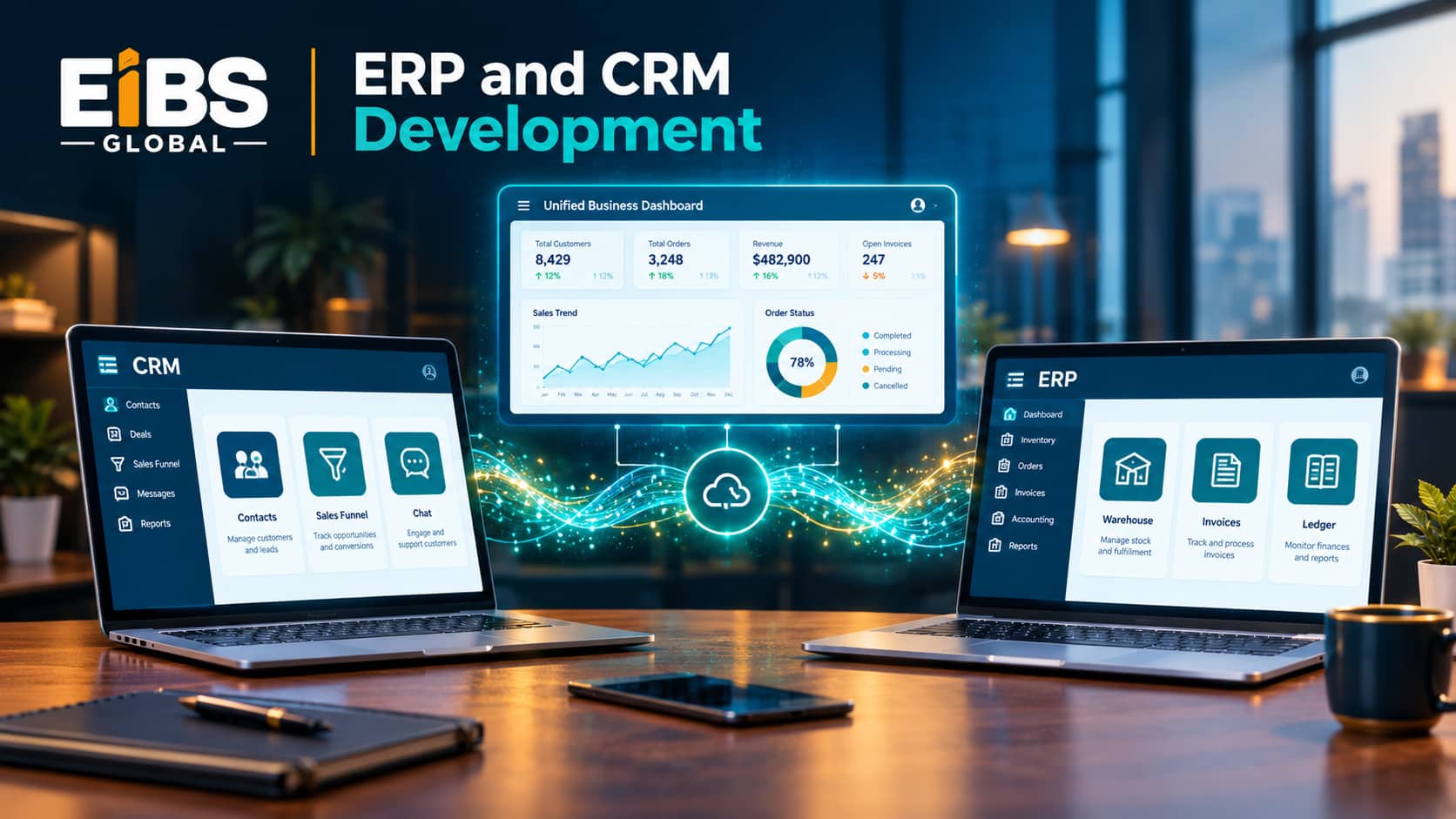
In many growing companies, sales lives in one system and operations lives in another. A rep closes a deal in the CRM, then someone retypes the order into the ERP. Prices drift, customer records duplicate, and finance waits days for numbers. ERP and CRM development solves this by making both systems work as one.
However, there is no single right way to do it. Some businesses need a simple integration between tools they already own. Others need a custom CRM, a custom ERP, or a unified platform built from scratch. In this guide, we compare these options, explain how integration works, and walk through the seven development steps, typical costs, and real-world results.
At Elysian Intelligence Business Solution, we build and connect ERP and CRM systems for growing businesses. This guide reflects what we have learned about where these projects succeed and where they stall.
What Is ERP and CRM Development?
ERP and CRM development is the work of designing, building, customizing, and integrating business software so that customer-facing and back-office teams share the same data. It can mean building one system, extending an existing one, or connecting both through APIs.
At a Glance: ERP and CRM Development
- Definition: Building and connecting ERP and CRM software into one data flow.
- Main approaches: All-in-one suite, integrated best-of-breed, custom unified platform
- Typical cost: $15,000–$600,000+, depending on scope Typical timeline: 1–18 months
- Core benefit: One accurate view of customers, orders, inventory, and revenue
The term also covers ERP CRM application development, such as mobile sales apps or customer portals that read and write data in both systems.
What Is the Difference Between ERP and CRM?
CRM software manages relationships with prospects and customers, while ERP software manages the resources needed to deliver to them. In simple terms, CRM helps you win the order and ERP helps you fulfil and account for it.
| Area | CRM (customer relationship management) | ERP (enterprise resource planning) |
|---|---|---|
| Main users | Sales, marketing, customer service | Finance, operations, procurement, HR |
| Core data | Leads, contacts, deals, activities, tickets | Orders, inventory, invoices, suppliers, ledgers |
| Key goal | Grow revenue and retention | Control costs and run operations efficiently |
| Typical features | Pipeline tracking, email campaigns, quotes, support cases | Accounting, stock control, purchasing, production, payroll |
| Main reports | Win rates, pipeline value, customer lifetime value | Profit and loss, stock levels, cash flow |
The two systems overlap at critical points: customer records, products, prices, quotes, orders, and invoices. That overlap is exactly where integration delivers value.
Why Should You Develop ERP and CRM Together?
Planning ERP and CRM development together creates a single source of truth for customer and order data. As a result, teams stop arguing over whose numbers are right.
Key benefits include:
- No double entry: Orders flow from CRM to ERP automatically, which cuts errors and saves hours each week.
- Accurate quotes: Sales reps see live stock, pricing, and credit limits before they promise anything.
- A 360-degree customer view: Reps see invoices, payments, and delivery status alongside every conversation.
- Faster cash flow: Invoices go out as soon as orders ship, without manual hand-offs.
- Better forecasting: Finance combines pipeline data with actual revenue for more realistic plans.
Research from MuleSoft’s annual Connectivity Benchmark Report has repeatedly found that integration challenges slow digital projects in most organizations. Planning both systems together prevents many of those issues.
Which ERP and CRM Development Approach Fits Your Business?
The right ERP and CRM development approach depends on how standard your processes are, which systems you already own, and how much control you need. Most businesses choose one of three paths.
| Approach | How it works | Pros | Cons | Best for |
|---|---|---|---|---|
| All-in-one suite | One vendor platform with built-in ERP and CRM modules | Native data sharing, one contract | Weaker in one area, licence costs grow with users | Standard processes, smaller teams |
| Integrated best-of-breed | Keep or buy leading ERP and CRM products, then connect them | Best tool for each team, reuses existing investment | Integration to build and maintain | Companies happy with current tools |
| Custom unified platform | Build tailored ERP and CRM modules on one codebase and database | Exact fit, full ownership, no per-user fees | Higher upfront cost, longer build | Unique workflows, fast growth, many users |
Many companies blend these options. For example, they keep a popular CRM for the sales team and build custom ERP modules around it. Custom ERP and CRM solutions also make sense when off-the-shelf tools force teams into awkward workarounds.
How Do ERP CRM Integration Services Connect the Two Systems?
ERP CRM integration services connect the systems through APIs so that agreed data moves automatically in one or both directions. The pattern you choose affects reliability, speed, and long-term maintenance.
| Integration pattern | How it works | Best for |
|---|---|---|
| Point-to-point API | Direct calls between the two systems | Simple, low-volume flows between two systems |
| Middleware / iPaaS | A central integration platform maps and routes data | Several systems, complex rules, easier monitoring |
| Event-driven messaging | Systems publish events, such as "order created," to a message queue | High volumes and near real-time updates |
Whatever the pattern, the team must agree which system owns each type of data. Typically, CRM owns leads, contacts, and opportunities. ERP owns products, prices, stock, orders, and invoices. Customer accounts are often created in CRM and enriched with credit and billing data from ERP.
Security matters too. Every API should follow guidance such as the OWASP API Security Top 10, including strong authentication, rate limiting, and detailed logging.
What Are the 7 Steps of ERP and CRM Development?
Successful ERP and CRM development follows seven steps, from auditing what you have today to optimizing after launch. Each step reduces risk for the next one.
Step 1: Audit Current Systems and Data
First, list every tool your teams use, including spreadsheets. Then check data quality: duplicate customers, inconsistent product codes, and outdated price lists. This audit often reveals that data cleanup is the biggest task in the project.
Step 2: Map the Lead-to-Cash Process
Next, map how a lead becomes a customer, an order, a delivery, an invoice, and a payment. Mark every hand-off between sales and operations. These hand-offs are where integration saves the most time.
Step 3: Define Data Ownership and Architecture
Decide which system owns each record and how data will move between them. At the same time, choose the approach and integration pattern. Our guide to the ERP software development process explains these architecture choices in more depth.
Step 4: Design Role-Based Experiences
Sales reps, finance teams, and warehouse staff need different screens. Designers create prototypes for each role and test them with real users before development begins.
Step 5: Build, Configure, and Integrate in Sprints
Developers then build custom modules, configure off-the-shelf features, and develop integrations in short sprints. Stakeholders review working features every two weeks, so problems surface early.
Step 6: Migrate and Reconcile Data
Clean data is loaded into the new or connected systems in several trial runs. After each run, the team reconciles totals, such as open orders and customer balances, to prove nothing was lost.
Step 7: Test, Launch, Train, and Optimize
Finally, the team runs end-to-end tests of the full quote-to-cash flow, trains users by role, and launches. After go-live, monitoring and user feedback guide regular improvements. For a phase-by-phase project view, see our ERP development process guide.
How Much Does ERP and CRM Development Cost?
ERP and CRM development costs range from about $15,000 for a simple integration to $600,000 or more for a custom unified platform. Scope, the number of integrations, and data quality drive most of the difference.
| Project scope | Typical cost (USD) | Typical timeline |
|---|---|---|
| Integrate an existing ERP and CRM (2–3 data flows) | $15,000–$60,000 | 1–3 months |
| Custom CRM integrated with an existing ERP | $40,000–$150,000 | 3–6 months |
| Custom ERP integrated with an existing CRM | $80,000–$400,000 | 6–12 months |
| Custom unified ERP and CRM platform | $150,000–$600,000+ | 8–18 months |
In addition, plan for annual maintenance of roughly 15–20% of the build cost, plus any licence fees for off-the-shelf products. For a detailed breakdown, read our guide to ERP development cost.
What Results Can Connected ERP and CRM Systems Deliver?
To show the impact, here is an illustrative example modelled by Elysian Intelligence Business Solution. An 85-employee B2B industrial supplies distributor kept its existing CRM, added custom ERP modules for inventory, orders, and invoicing, and connected them through middleware.
| Metric | Before integration | After integration | Change |
|---|---|---|---|
| Order entry time per order | 25 minutes | 6 minutes | −76% |
| Quote-to-invoice cycle | 6 days | 2 days | −67% |
| Duplicate customer records | 18% | 2% | −16 points |
| Invoices with pricing errors | 4.1% | 0.6% | −85% |
| Month-end sales reporting | 5 days | 1.5 days | −70% |
At 40 orders a day, saving 19 minutes per order frees up about 12.7 staff hours every working day. Just as importantly, sales and finance now work from the same numbers, which ends disputes over commissions and forecasts.
What Mistakes Should You Avoid in ERP and CRM Development?
Most failed projects share the same avoidable mistakes. Watch for these six.
- Integrating dirty data: Automation spreads errors faster if records are not cleaned first.
- No clear data owner: When both systems can edit the same field, conflicts and overwrites follow.
- Syncing everything: Moving every field adds cost and noise; sync only what teams actually need.
- Ignoring error handling: Failed syncs must trigger alerts, retries, and clear logs.
- Leaving sales out of design: Reps abandon tools that slow them down.
- Skipping end-to-end tests: Each system may work alone, yet the full quote-to-cash flow can still break.
Conclusion
ERP and CRM development turns two disconnected systems into one reliable flow from first contact to final payment. Start by auditing your data and mapping the lead-to-cash process, then choose the approach and integration pattern that fit your business. Above all, agree on data ownership early and keep sales and finance involved throughout.
If you are ready to connect your sales and operations, Elysian Intelligence Business Solution can help you choose the right approach and deliver it step by step. Book a free ERP and CRM consultation to discuss your goals with our team.